eSIM, pocket Wi-Fi or SIM card: which to choose for Japan?
In Japan, you do almost nothing without mobile data: finding the right platform, checking a timetable, reading a menu, booking a taxi, paying with your phone. Coverage is excellent in cities and on Shinkansen trains, including most tunnels, and 5G covers urban centers. The only question is how to connect.
Four options, in order of our preference for an independent traveler:
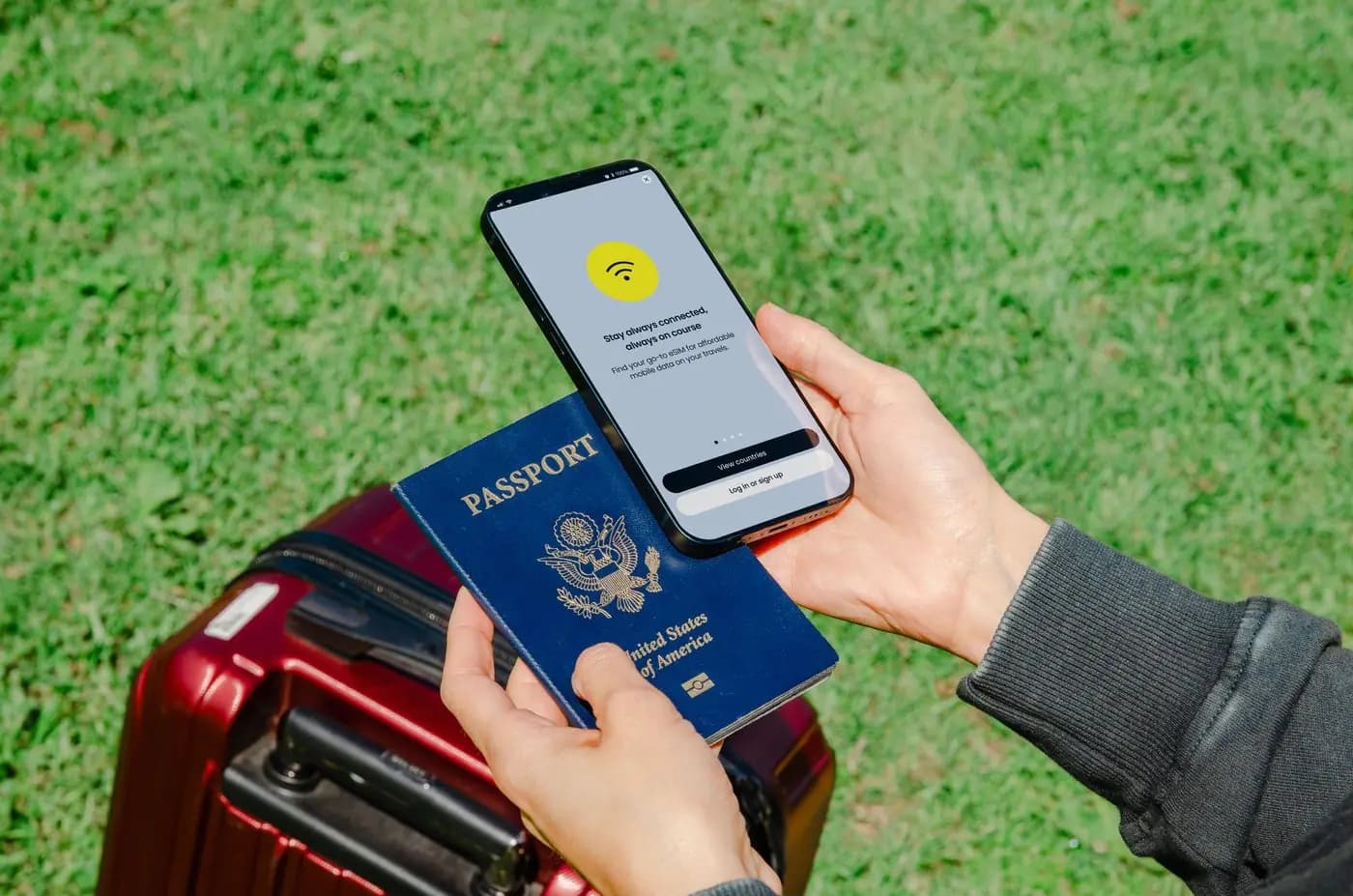
- Data eSIM: a virtual SIM card bought online and installed by scanning a QR code. Works on most iPhones since the XS and on recent Android phones (Pixel, Samsung Galaxy S and Z). Nothing to pick up or return.
- Your home operator's plan: some French, Belgian, Swiss or Canadian plans include a few gigabytes in Japan, others charge for add-ons or full-price roaming. Check before you leave, and switch off data roaming if your plan does not cover Japan.
- Pocket Wi-Fi: a small rented router that shares a 4G or 5G connection with several devices.
- Prepaid physical SIM card: sold at airports and electronics stores. Handy for a phone without eSIM, but you temporarily lose your usual SIM card.
One important point: tourist offers are almost all data-only. They do not give you a Japanese phone number: a local voice line requires a residence card. To call a restaurant or hotel, use WhatsApp, FaceTime, LINE (the messaging app all of Japan uses) or your usual number on roaming.
Japan eSIM: prices, setup and pitfalls to avoid
The eSIM has become standard for travelers. Many international and Japanese providers sell plans for Japan running on the docomo, KDDI (au) or SoftBank networks. Prices seen in 2026:
- 3 to 5 GB over 7 to 8 days: about €6 to €12.
- 10 GB over 15 days: about €15 to €25.
- 20 GB over 30 days: about €25 to €40.
- "Unlimited" data over 15 days: €30 to €50, often with reduced speed beyond a daily threshold.
For two weeks of normal use (maps, messaging, photos but not video), 10 GB is plenty. Those who tether a laptop or post a lot of video should take 20 GB or more.
How to go about it:
- Check that your phone is compatible and unlocked (Settings > General > About on iPhone, "Carrier Lock").
- Buy and install the eSIM at home, on a good connection, two or three days before departure. Most plans only start at first connection in Japan.
- On landing, select the eSIM for mobile data and turn on data roaming for that line only. Keep your usual SIM active for bank text messages, with data off.
Common pitfalls: deleting the eSIM by mistake (it often cannot be reinstalled), unknowingly buying a pricier "Asia" plan, or forgetting that some unlimited plans throttle speed heavily after 2 or 3 GB a day.
Pocket Wi-Fi rental and free Wi-Fi in Japan
Pocket Wi-Fi has lost ground to eSIMs, but it still has its strengths. One unit connects up to 5 to 10 devices, making it a good option for a family, for someone whose phone does not support eSIM, or for connecting a laptop and a tablet.
Practical benchmarks:
- Price: about ¥800 to ¥1,500 a day for unlimited or near-unlimited data, cheaper per day for longer rentals.
- Pick-up: at the airport counter (Narita, Haneda, Kansai, Chubu, Fukuoka) or delivered to your hotel the day before arrival.
- Return: in a post box using the prepaid envelope provided, or at the airport counter.
- Battery life: 8 to 12 hours in real use. Bring a power bank, because a flat unit cuts everyone off.
The main drawback: you have to stay together. As soon as one family member goes off alone, they have no connection. Loss or damage insurance, offered for a few hundred yen a day, is often worth it.
Free Wi-Fi has grown a lot: airports, major JR stations and subway networks, Tokaido, Sanyo and Tohoku Shinkansen trains, most coffee chains, department stores and many hotels. But it often requires registration by email or social media, sometimes cuts out after 30 to 60 minutes, and disappears as soon as you step into the street. It helps out but does not replace a mobile connection. Avoid checking your bank or entering passwords on it without a VPN.
Useful apps in Japan: transport, translation, taxis, alerts
No need to install twenty of them. Here are the ones we genuinely recommend, tested on the ground:
- Google Maps: excellent for train and subway routes, with platforms, exits, fares and real-time schedules. Download offline maps of the cities you visit.
- NAVITIME Japan Travel or Japan Transit Planner: more precise than Google for complex connections, platform numbers and express trains.
- Google Translate: the camera feature translates menus, signs and labels live, even offline if you have downloaded the Japanese pack.
- VoiceTra: a free voice translation app developed by a Japanese public institute (NICT), effective for simple conversations with a driver or shopkeeper.
- Safety tips: the Japan Tourism Agency's app. It sends earthquake, tsunami, typhoon and heat alerts in English (and other languages), with advice. Install it before departure, no question.
- GO or Uber: to order a taxi in Tokyo, Osaka or Kyoto and pay by card in the app.
- smartEX and Welcome Suica Mobile: book the Shinkansen and pay for transport from your phone.
- Japan Official Travel App (JNTO): practical information, free Wi-Fi, toilets and tourist information centers.
Also keep a paper copy or screenshot of your hotel addresses in Japanese. That is what a taxi driver will ask for, and a dead phone helps nobody.
Power plugs and voltage in Japan: which adapter?
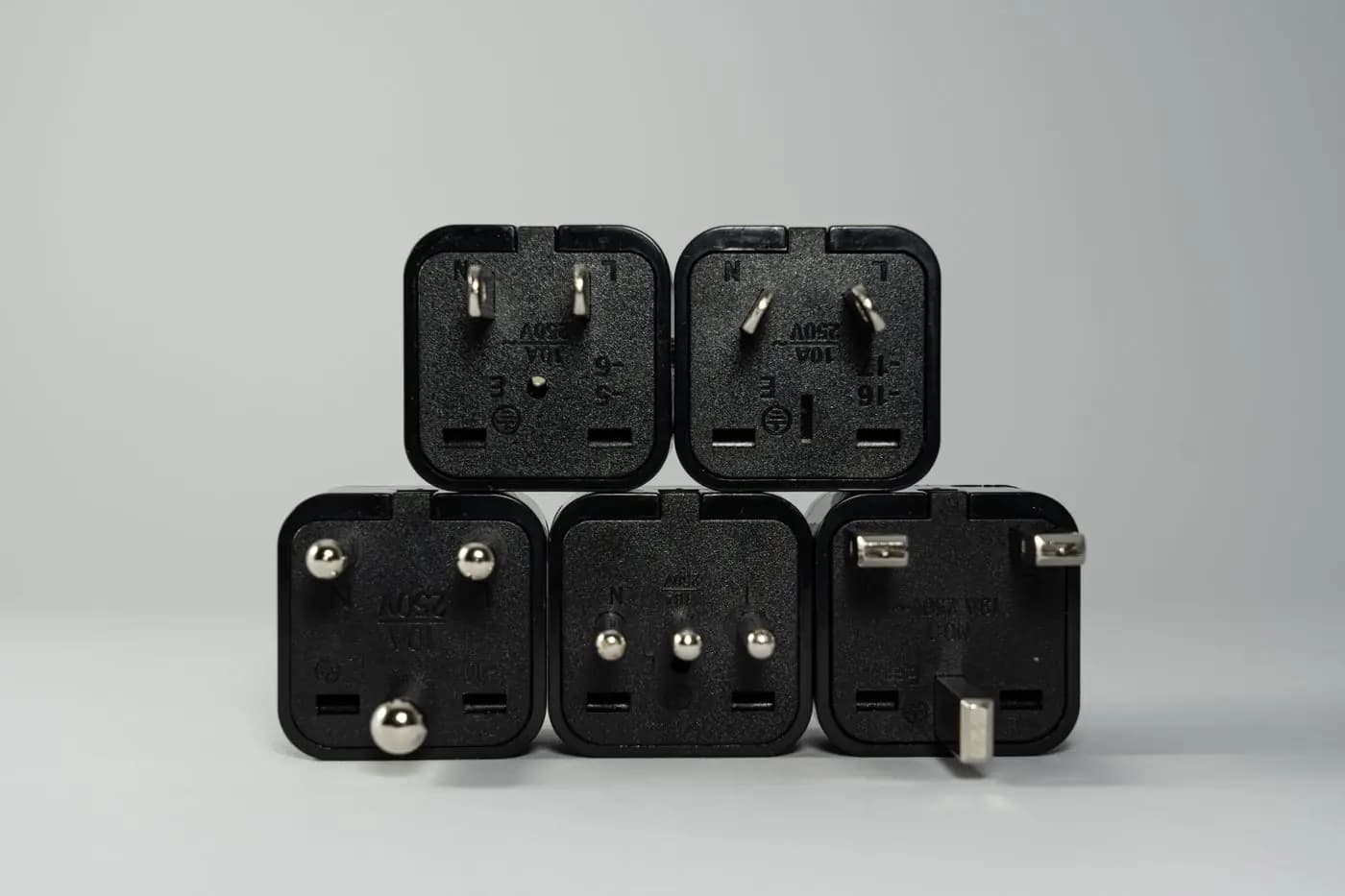
Japan uses type A sockets, with two flat parallel pins as in the United States, sometimes type B with a round earth pin. Round European plugs (types C and E) and Swiss plugs (type J) do not fit: an adapter is essential.
The current is 100 volts, compared with 230 V in Europe, with a quirk unique in the world: 50 Hz in the east (Tokyo, Yokohama, Sendai, Hokkaido) and 60 Hz in the west (Nagoya, Kyoto, Osaka, Hiroshima, Fukuoka, Okinawa). The boundary runs roughly along the Fuji River.
In practice:
- Phones, laptops, cameras, e-readers, recent electric toothbrushes: their chargers almost all accept 100 to 240 V and 50/60 Hz (it says so on the label). A simple plug adapter is enough.
- European hair dryers, straighteners, kettles: designed for 230 V, they heat poorly or not at all. Leave them at home: every hotel provides a hair dryer, and Japanese models are cheap.
- Medical devices (CPAP, pumps): check the voltage range and bring a transformer if needed.
Tip: many business-hotel rooms only have two or three sockets near the bed. An adapter with several USB-C and USB-A ports saves juggling. And many recent Shinkansen trains have a socket at every seat, handy on a two-and-a-half-hour trip.
Adapters are easy to find at home before departure, or in Japan at electronics stores (Bic Camera, Yodobashi) and sometimes convenience stores.
Connecting and coordinating a group in Japan
With 30 or 80 people, connectivity is no longer a matter of comfort: it is a safety and coordination tool.
What works best, from our experience of seminars and incentive trips:
- One eSIM per participant, sent by email with instructions two weeks before departure, rather than one pocket Wi-Fi for four. Groups always split up: free time, parallel workshops, returns to the hotel at different times. Keep a few backup pocket Wi-Fi units for incompatible phones.
- A dedicated messaging group (WhatsApp or similar) for schedules, meeting points with a photo and map link, and last-minute changes. A single administrator posts information, to avoid 200-message threads.
- An emergency card in every badge: the tour leader's number, the hotel address in Japanese, emergency numbers (110 police, 119 ambulance and fire) and the Japan National Tourism Organization's 24-hour visitor hotline.
- Earpiece guide systems for temple, garden and museum visits: the guide speaks softly, everyone hears clearly, and the group respects the calm of the place.
- Japanese phones with local numbers for the staff team, to reach restaurants, drivers and hotels.
- The Safety tips app installed by everyone, and a simple procedure in case of earthquake or typhoon.
This communication setup is what SHINOGI DMC puts in place for groups in Japan: eSIMs, messaging, guiding equipment and staff reachable at all times, so everyone knows where to go without hunting for signal.
Frequently asked questions
eSIM or pocket Wi-Fi in Japan: which to choose?
An eSIM if your phone is compatible: cheaper (about €15 to €25 for 10 GB over 15 days), nothing to pick up or return. Pocket Wi-Fi suits a family that stays together or a phone without eSIM.
How much data do you need for 2 weeks in Japan?
10 GB is enough for normal use: maps, messaging, translation and photos. Go for 20 GB or an unlimited plan if you tether a laptop or post videos.
Is there free Wi-Fi in Japan?
Yes, in airports, major stations, the subway, several Shinkansen lines, coffee chains and most hotels. It often requires registration and does not cover the street: it does not replace an eSIM.
Which plug adapter do you need for Japan?
An adapter for type A sockets (two flat pins). The current is 100 V: phone and laptop chargers (100–240 V) work without a transformer, European hair dryers do not.
Can tourists get a Japanese phone number?
Rarely. Tourist offers are almost all data-only, since a voice line requires a residence card. Call via WhatsApp, FaceTime or LINE, or with your usual number on roaming.
Which app for earthquake alerts in Japan?
Safety tips, the free app from the Japan Tourism Agency: earthquake, tsunami, typhoon and heat alerts in English, with safety advice. Install it before departure.
Rédaction SHINOGI DMC · Updated